
A sample survey, the way a client sees it
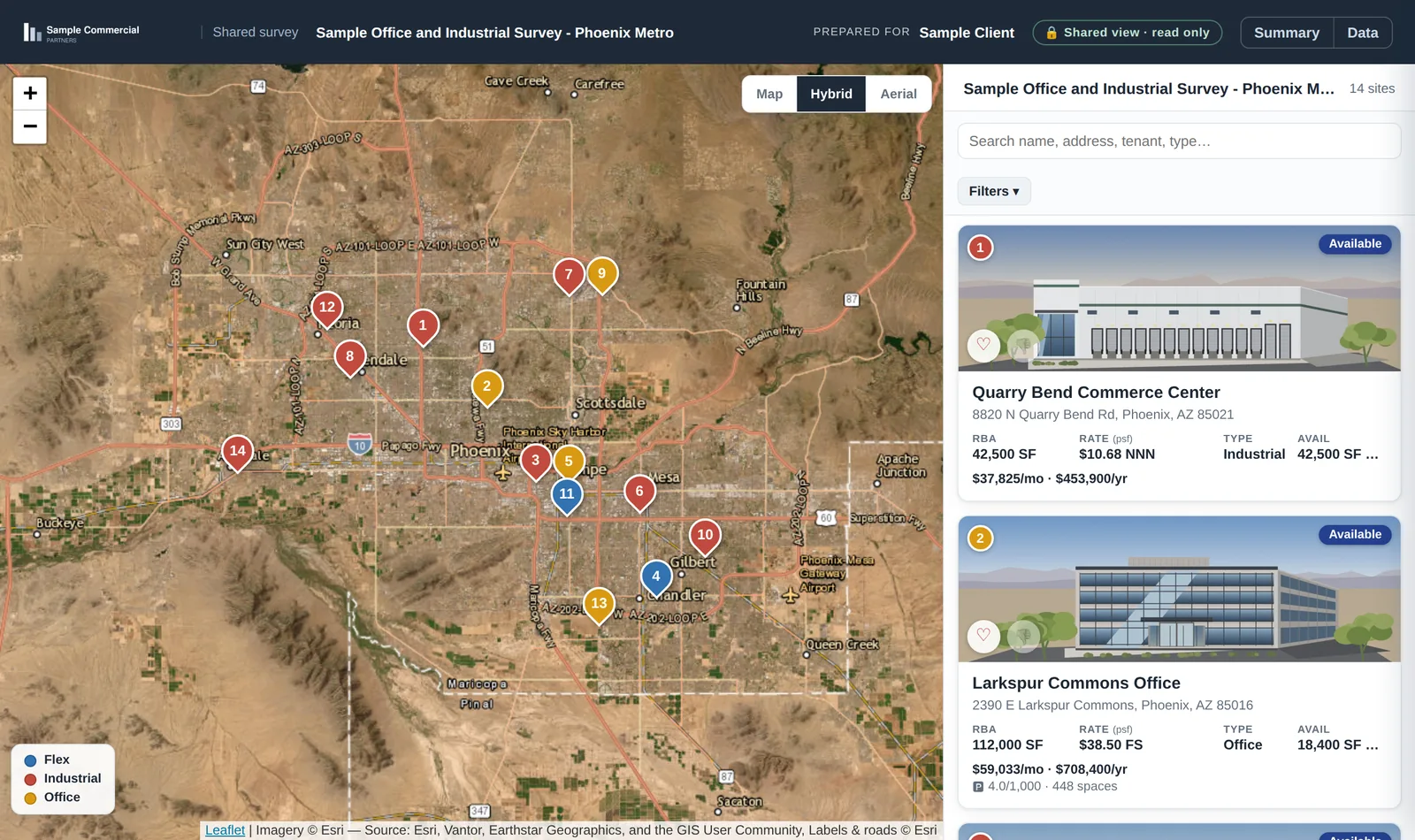
When a broker sends a survey from CommercialView, the client gets one link. Every building is pinned on an aerial map, with a card next to it showing the size, rate and space available. This page shows a sample of that link for an office and industrial survey in the Phoenix area.
Everything in this sample is invented. The brokerage, Sample Commercial Partners, does not exist. The buildings, addresses, tenants, rates and brokers are made up for this page, and the building pictures are drawings. None of it comes from a real survey, a real listing or a real client.
What the client gets
- One link instead of a stack of PDFs. No account and nothing to install.
- Every building in the survey on the map, with its size, rate and availability on the card next to it. The brochures open from the card.
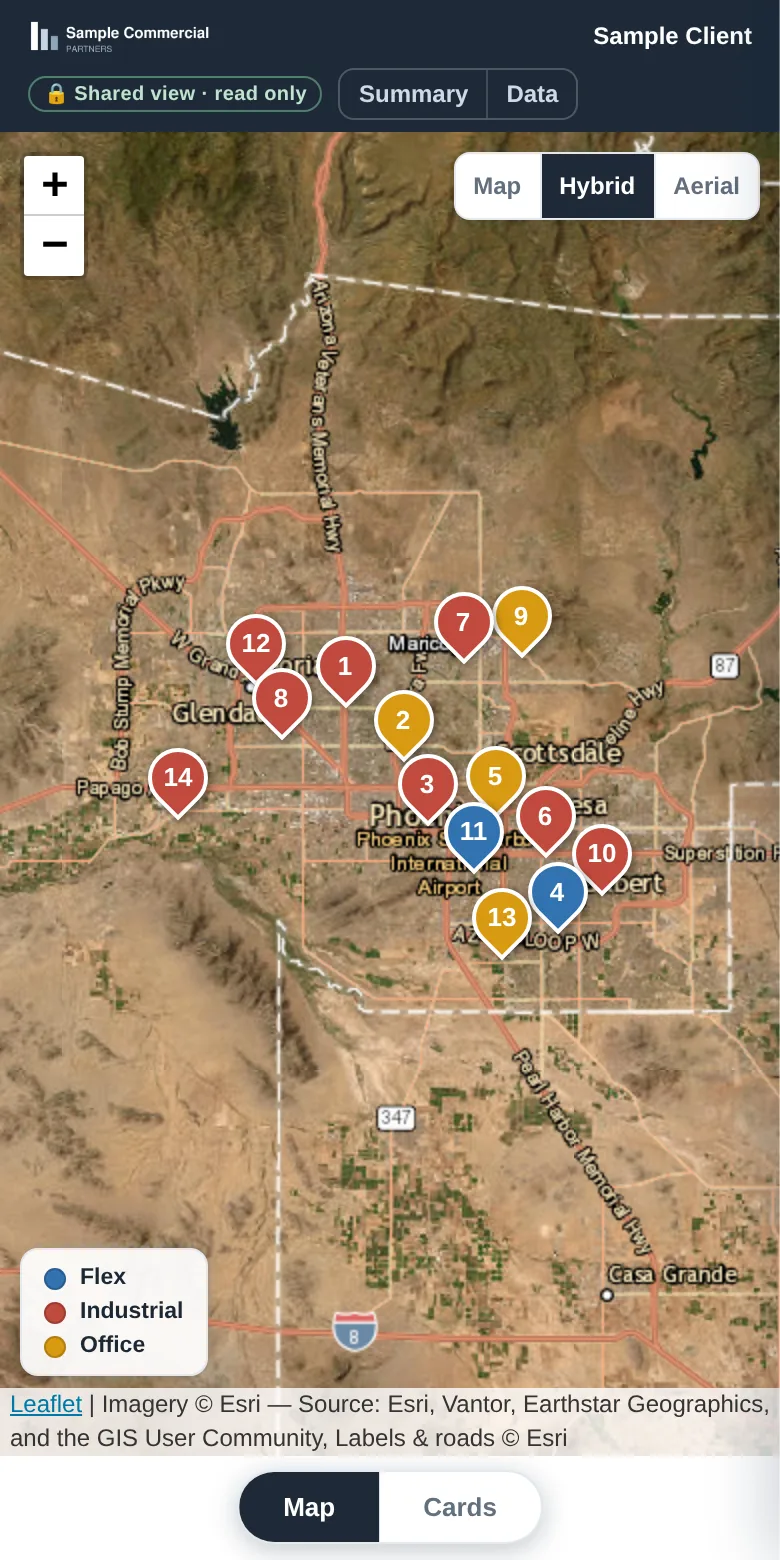
- The same view on a phone, with a switch between the map and the building cards.
- A favourite or a pass on each building, which shows up in the broker's tally.
- A password on the link when a deal needs one.
- The broker's firm name and logo across the top. In this sample that is the invented firm.
- Read-only, and limited to one survey. Nothing else in the broker's account is reachable from it.
How a broker builds one
- Drop the survey file in. PDF or Excel, several at once. AI reads the buildings, suites, rates, terms and photos out of it.
- The pins place themselves. Every building is geocoded onto the map. Move one if you want it somewhere else.
- Check it and send it. Edit anything that was read wrong; your edit wins. Approve each document before a client can see it, then send the link.